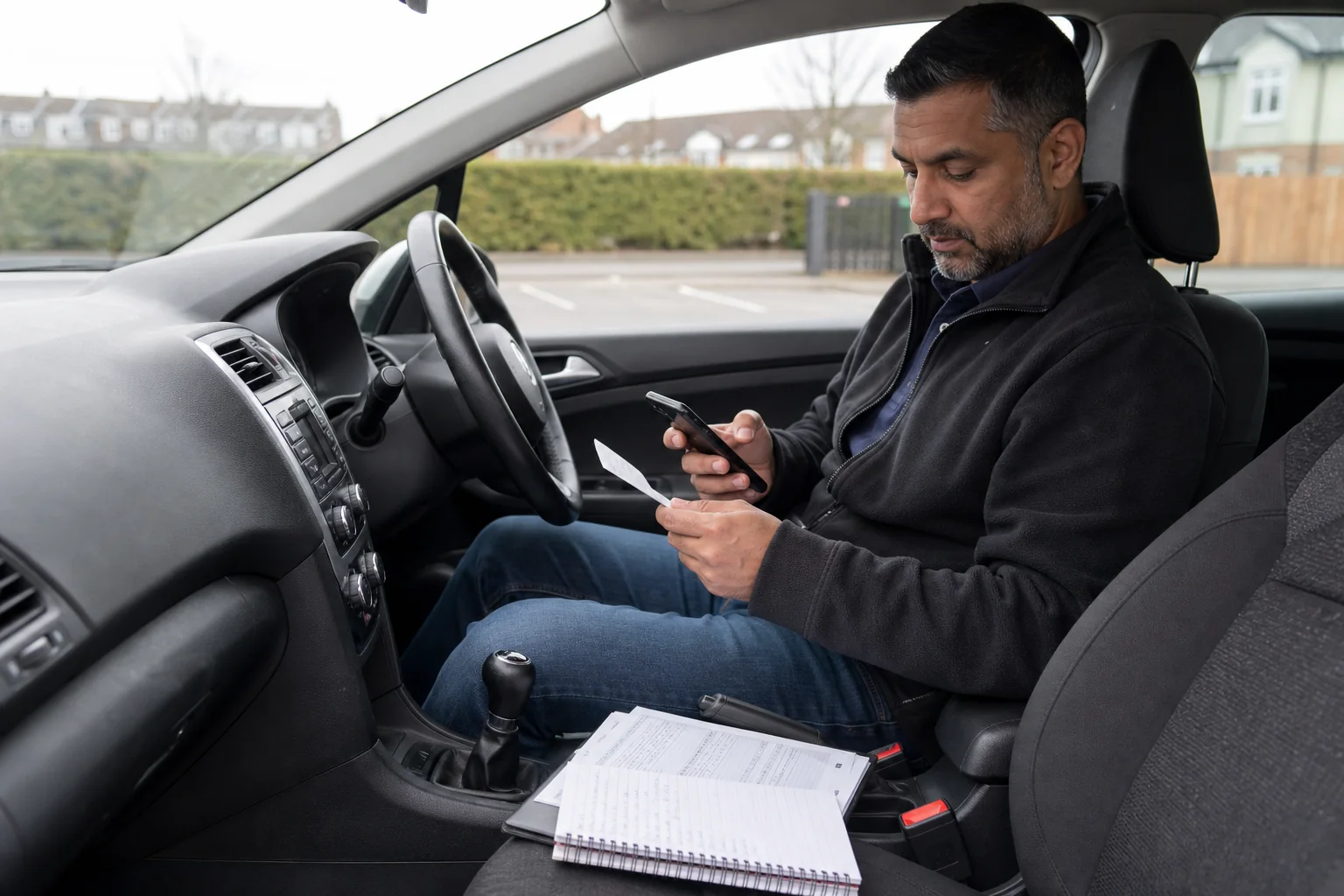
Making Tax Digital for Income Tax changes how qualifying sole traders keep records and report to HMRC. Your weekly bank payout does not decide whether you are in scope. Start with the qualifying income on the relevant tax return, including property income where applicable.
Which income decides your start date?
- From 6 April 2026: qualifying income over £50,000 on the 2024/25 return.
- From 6 April 2027: qualifying income over £30,000 on the 2025/26 return.
- From 6 April 2028: qualifying income over £20,000 on the 2026/27 return.
Qualifying income broadly combines gross self-employment and property income before expenses. Employment pay is not part of that test. If you drive and let a property, checking driving income alone can give the wrong answer. Review HMRC’s detailed rules and any exemptions before deciding your start date.
Build a record system that fits your driving
Keep platform statements, invoices and receipt evidence alongside digital income and expense records. A bank feed is useful for matching payments, but platform deductions can mean that a deposit is different from turnover. Use the income reconciliation guide to identify the missing pieces.
- Choose compatible software and agree who records, checks and submits each business’s updates.
- Connect records digitally where required; do not assume copying a spreadsheet total into a website is a compliant digital link.
- Review missing receipts, duplicate imported payments and private mileage before sending the update.
- Save submission acknowledgements and keep the year-end tax return on your checklist.
Quarterly reporting does not replace the annual tax calculation
Quarterly updates summarise business records. They are not four final tax bills. The annual tax return still brings together the necessary adjustments, reliefs and other income. Our quarterly update workflow separates bookkeeping, submission and year-end checks.
What about penalties in the first year?
HMRC says it will not apply late-submission penalty points for quarterly updates in 2026/27. That concession does not remove the obligation to keep digital records, submit required updates or meet other tax obligations. Do not treat it as an exemption from all late-payment or annual-return rules.
If you need help establishing your start date or putting records in order, ask about HMRC compliance support. Confirm software subscriptions, quarterly reviews and annual filing separately in your quote.
For the annual return, see driver Self Assessment preparation and filing. Agree any additional digital bookkeeping and quarterly MTD work explicitly in the engagement.
Sources checked 8 October 2026: Making Tax Digital · Penalty.
Practical next steps
A Quarterly MTD Checklist for Busy Drivers
Prepare digital records, resolve statement differences and retain the acknowledgement for each required update.
MTD Bridging Software or a Bookkeeping App for Drivers?
Choose a record workflow by checking digital links, platform reconciliation, exports and the functions your accountant needs.
Setting Up Digital Records for MTD: An Uber Driver’s First Month
Check your HMRC sign-up, authorise software, enter records from 6 April and keep an import audit trail. Includes a first-month checklist and a fictional example.
General guidance using the sources linked above. Check the publication context and your own circumstances before making a tax decision.
Start with the free tracker